Think
Material begins in real work: a pressure point, a decision edge, a technical risk, a line that still does not know its final level.
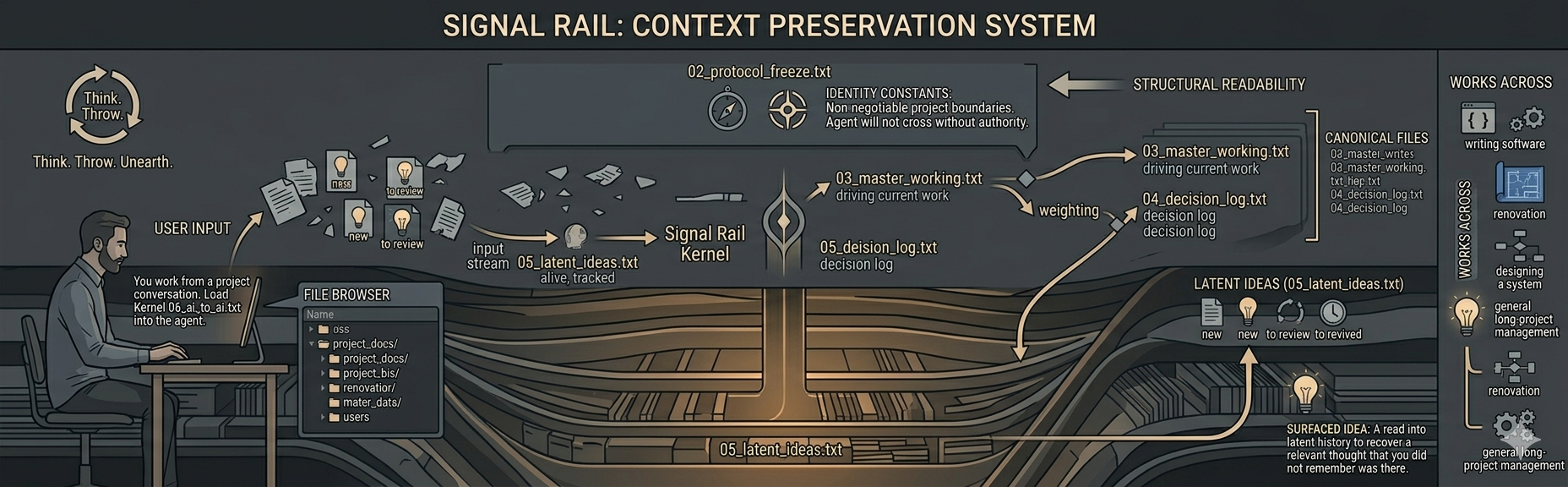
Signal Rail
A text-first governance system for AI-assisted project work.
Signal Rail helps an AI enter the work with the right frame, sort project material with more care, and keep it recoverable without flattening everything into one documentary surface.
Operational gesture
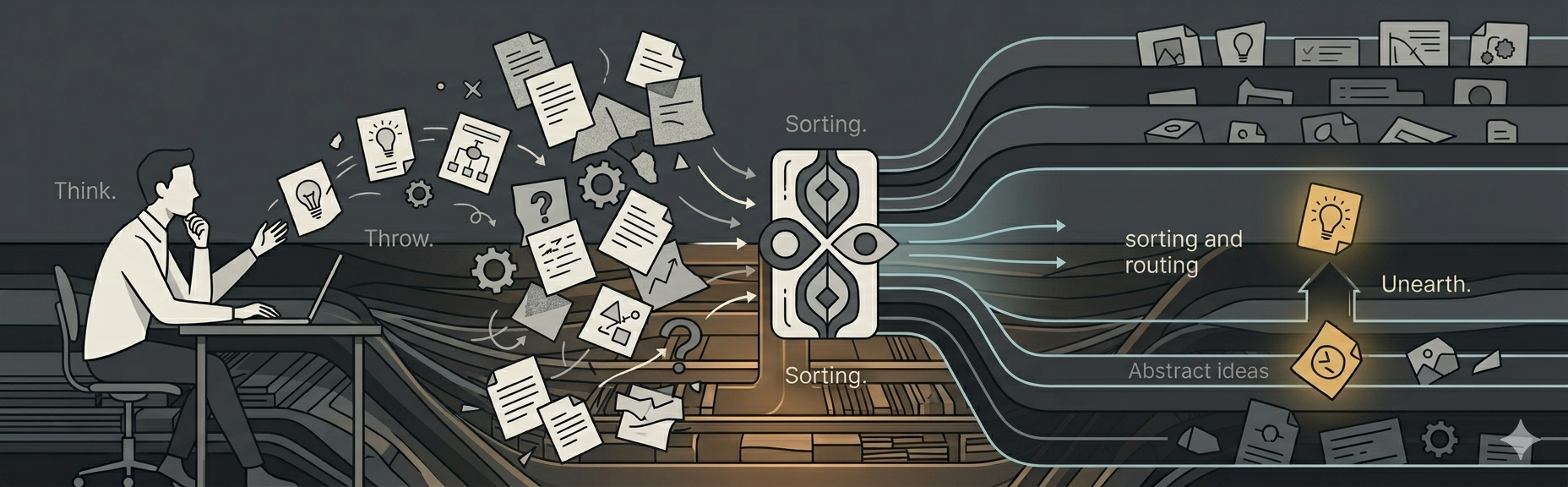
Material begins in real work: a pressure point, a decision edge, a technical risk, a line that still does not know its final level.
The material enters the system and is weighed, delayed, routed, promoted, or held without being forced into the wrong file too early.
The right line can resurface from the right layer later, without manual reconstruction and without pretending memory is enough.
The agent is not corrected after the fact. It is routed before acting.
Workstation
It gives the operator a direct local workstation for reading canonicals,
checking runtime state, staging writes, previewing output, and writing
back to the matching .txt files when live folder access is available.
It does not replace the canonicals or change their authority. It gives the operator a clearer local way to maintain a live instance without working blind.
Failure mode
Signal Rail exists to prevent current work, won decisions, unresolved material, technical topology, and continuity from collapsing into the same documentary surface.
Mechanism
The parts that describe what the project is, what is active now, what has already been decided, and where the real technical body of the work lives.
One layer helps the AI enter the system the right way. Another helps it stay consistent once work begins.
Useful supporting surfaces for continuity, findings, parking, and archive without pretending to be the project's final truth.
Authority before convenience.
Architecture
01 Orientation
02 Protocol Freeze
03 Master Working
08 Surface Map
04 Decision Log
99 Archive
05 Latent Ideas
98 Parking
Focus
Identity constants: the lines the project should not casually lose, and the layer the agent treats as non-negotiable without explicit human authority.
Focus
Nothing dies. Nothing contaminates the present before it has earned its place there.
Kernel
00_runtime_entry.txt helps the AI enter the system with the right reading frame.
06_ai_to_ai.txt helps it stay consistent once that entry is in place.
Each key file can also carry a short local guide for the AI inside its own structure.
Some surfaces hold the project's truth. Others stay useful without pretending to be that truth.
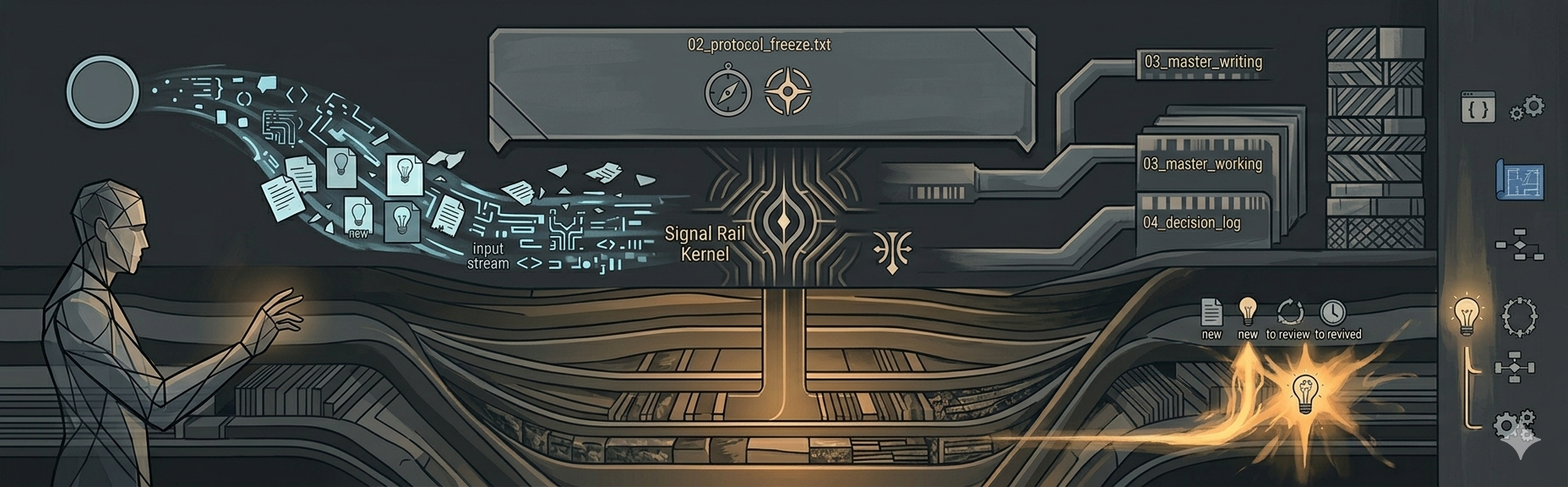
Protocol
00_runtime_entry.txt first, 06_ai_to_ai.txt after entry is validSupport surfaces
Signal Rail does not force everything into the same kind of file. Some layers stay useful precisely because they do not claim more weight than they should.
Continuity
Field findings
Parking
Archive
Boundary model
The shipped system.
The tool surface used inside real work.
The actual governed project.
Operational setup
Gets the system ready to use without pretending to decide what the project is, and now opens through 00_runtime_entry.txt before 06_ai_to_ai.txt.
Lets you create one personal language version without bending the structure of the system.